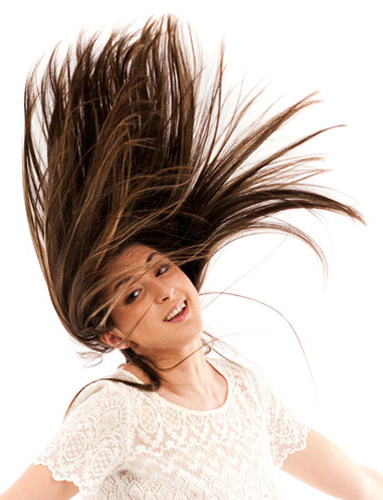
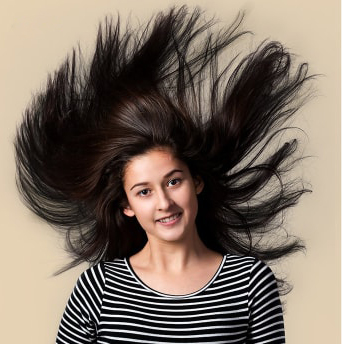
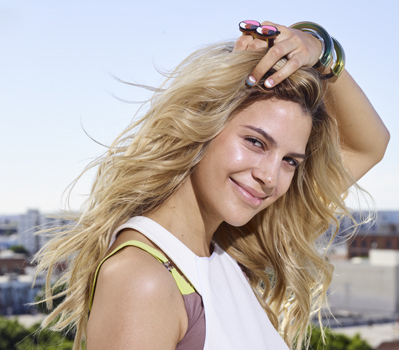
Image masking service helps to remove the background from an image which has hair or fur. Photoshop masking is an extraordinary technique to make a photo look impressive. People who are connected with e-commerce or product photography require this service frequently. Fancy items with soft edges and modeling photos with stray hairs need image masking service. It extracts the subject matters promptly.
Basically, image masking is a technique of image editing. It is done by software like Photoshop to remove some part of an image and to reveal some part. This process is non-destructive and it enables to adjust and tweak the mask later if required.
However, the photo masking is applied to hide some unwanted elements from an image. But the quality remains original. This image editing technique is mostly used for images with hair or fur. In fact, it is efficient and it takes less time. Image masking is a very important photo editing service in graphics designing industry.
People are very dependable on the internet nowadays and image masking is an unavoidable service for online retailers. This service helps to increase the attraction of an image which boosts the business tremendously.
It requires year-long experience and continuous practice to master photo masking service. Our company has the most talented photo editors who are expert in image masking techniques. If you need to edit your photos which have hair, fur, wool, and other soft edges without destroying the subject, place an order below to get image masking service at affordable costs.
Photoshop Image Masking Services
What is image masking?
Image masking is an ingenious way of photo manipulation. It is a very popular and useful method of image editing. This task is done in Photoshop by using the Pen Tool. Although, masking is mainly used to remove the background of difficult images which have outlines, soft edge, many turns and curves such as hair or fur, and semi-transparent or translucent photos like muslin, flames, chiffon, glasses, blanket, highlights, feathers, lighting, smoke, etc.
However, it may use for other features such as altering the edges with blur, changing the background color, etc. Image masking service helps to make the changes without distorting or destroying the quality in an image. This service always makes an image look gorgeous and attractive look.
Fur & Hair Masking
The most common and complex type of masking is the removal of fur and hair from a picture. Nonetheless, with this service, any image whose edge is soft can be eliminated with a pen tablet. The idea is first differentiated from the background and then masked. Asides from that, other enhancements such as contrast, color, exposure, and brightness can be applied to the photograph.
Photoshop hair masking is applicable for the images which have curves, thinner lines, soft edges, hairs, furs, etc. This kind of masking is time-consuming and hard to do. It has to be done very carefully. Image of hairy dolls, models, flesh, clothes, and furry animals needs this type of masking service.
People who do not have the idea of masking may get confused by clipping and layer masks. Clipping mask Photoshop is done by creating a layer to control the visibility or transparency of another layer. One supporting layer is placed at the bottom to perform actions on the other layer to change the visibility or transparency.
Color Masking
Color masking is an effect that can be applied to your pictures, and it involves retouching, color correction, and exposure correction. That is to say, the colors of your images can be changed, and even specific parts of the image’s can be enhanced without affecting other parts. It can be possible by selecting the image whose color needs to be changed and creating a hue and saturation layer.
Transparent Object Masking
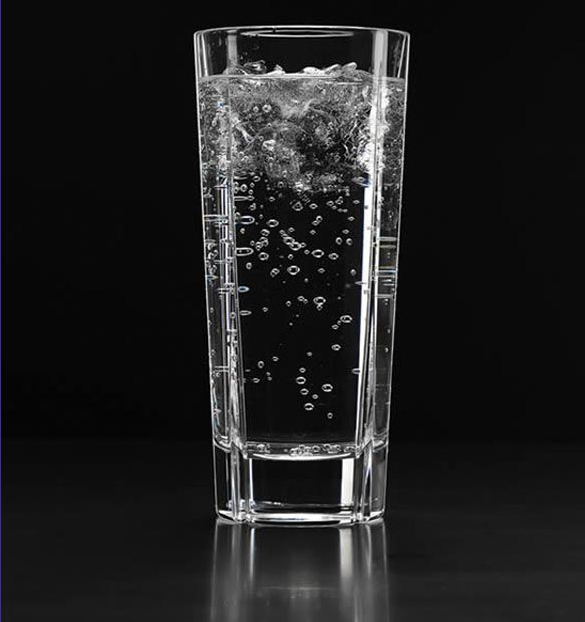
Objects that light can easily pass through, such as car glass, spectacles, water, also have a certain degree of opacity in the range of 0 to 5 per cent. These types of objects are too difficult to extract from the background, unlike solid objects. However, this masking process allows you to remove such a thing and then place the item on another ground to produce visible color